
PipeWire is the new v4l2loopback
Once in a while, a new attempt is made to upstream the v4l2loopback driver. The motivations are diverse, from using a remote webcam over the network to wrapping proprietary closed-source camera stacks with a V4L2 cloak on mobile devices. And once in a while, the V4L2 kernel community reminds the world at large that such use cases are better handled in userspace, not in the kernel. Those discussions generate more frustration than solutions, users leave feeling that kernel developers are out of touch with reality and obnoxious, and everybody forgets about it until the next attempt.
The latest attempt came during the FOSDEM 2026 in the shape of a new virtual camera driver posted to the linux-media kernel mailing list. While the initial reaction was not more positive, we can cautiously hope for a more constructive outcome this time thanks to an important evolution in the Linux multimedia ecosystem.
PipeWire
PipeWire is a low-level server and multimedia framework for handling audio and video streams on Linux. It provides facilities to route audio and video streams from sources to sinks. Built-in V4L2 and libcamera support allows PipeWire-aware applications to capture video streams from a wide variety of camera sources, and browser integration makes them available for video conferencing.
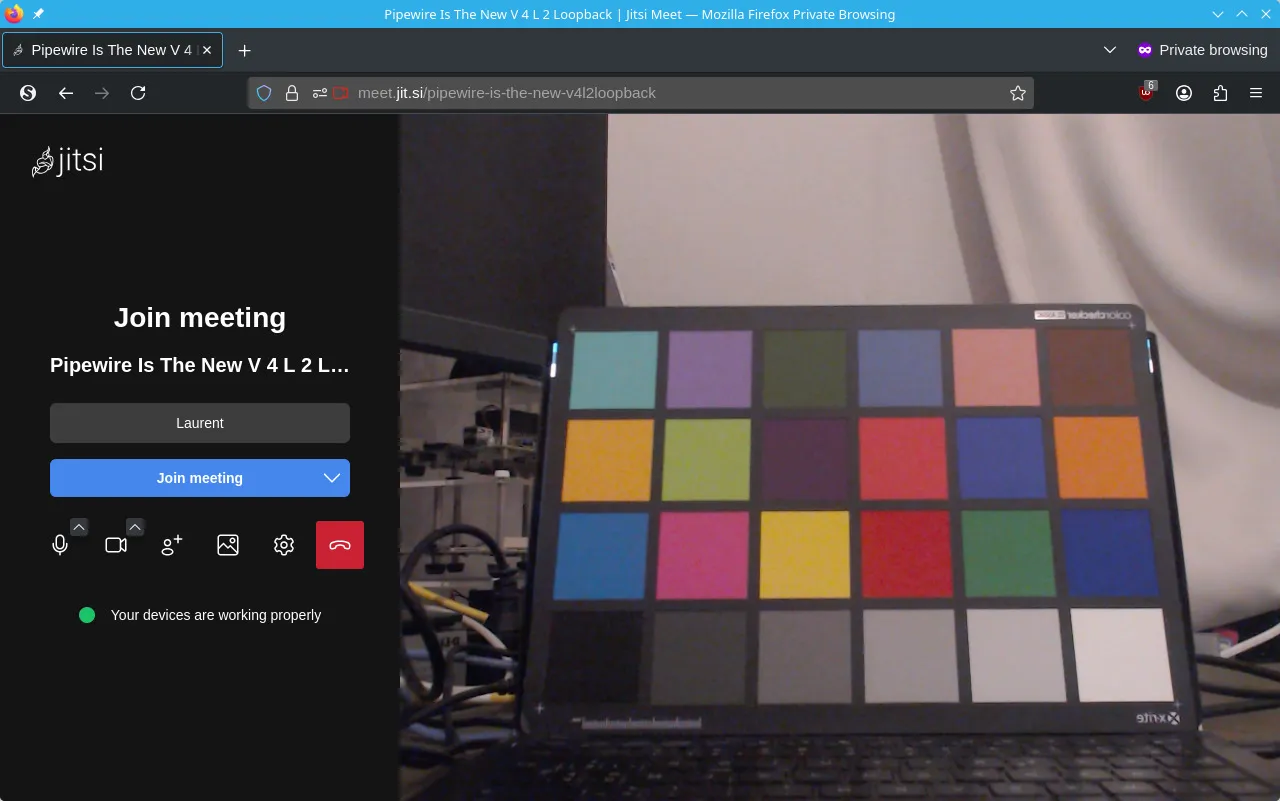
Virtual Cameras
Custom source nodes can be implemented as separate processes, to support
virtually any video source without a need to modify and recompile PipeWire.
Using GStreamer and the pipewiresink element, all it takes to create a
virtual camera is launching a GStreamer pipeline:
$ gst-launch-1.0 \
    videotestsrc ! \
    video/x-raw,format=YUY2 ! \
    pipewiresink \
        mode=provide \
        stream-properties="properties,media.class=Video/Source,media.role=Camera" \
        client-name="Virtual Camera"
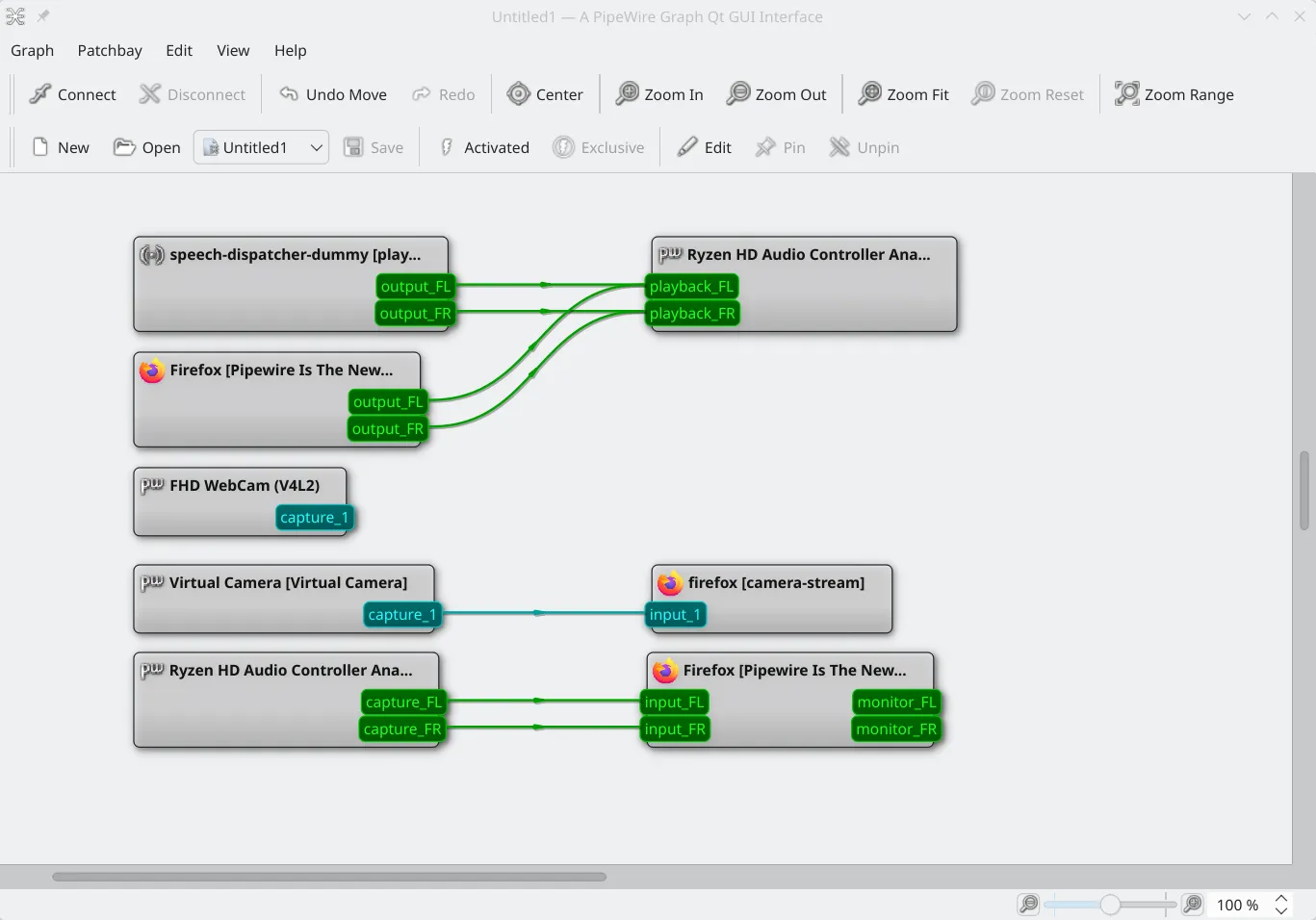
The camera then appears in the PipeWire graph:
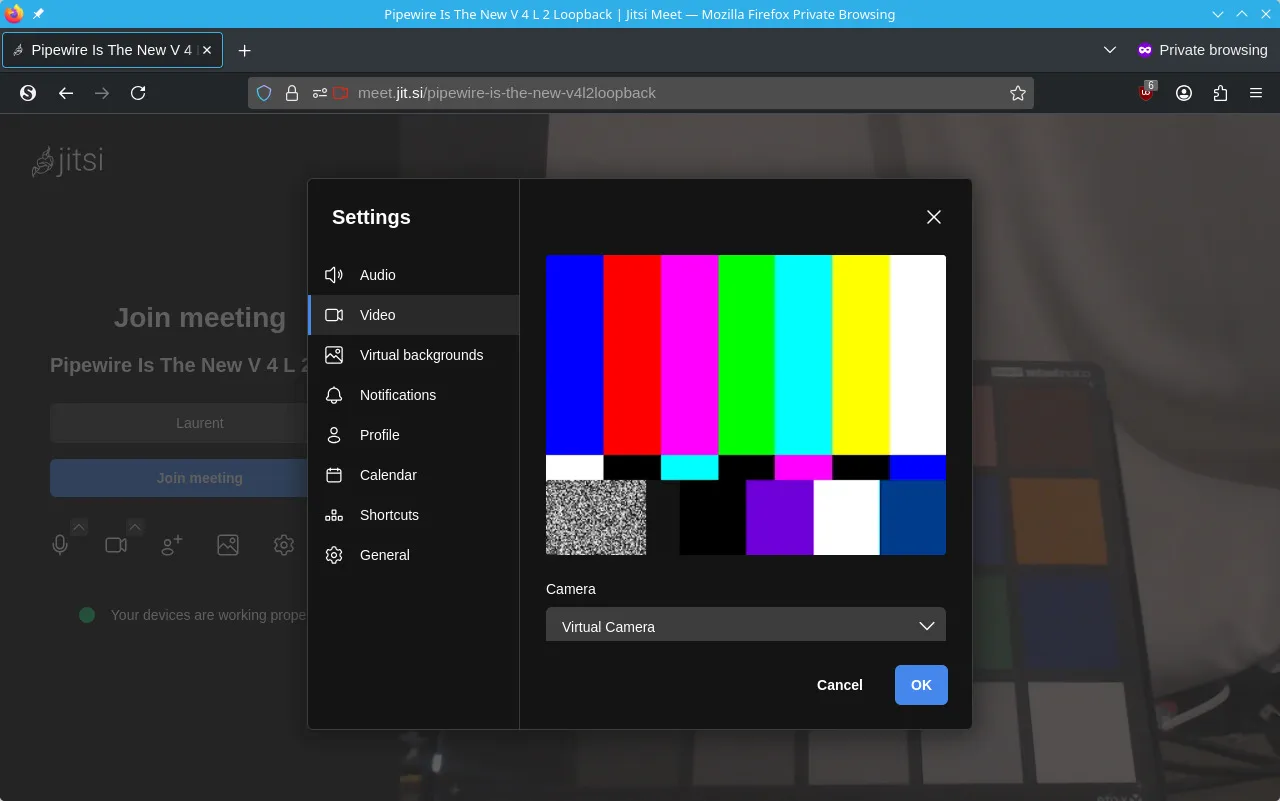
Firefox display the virtual camera in the camera selector dialog:
Remote Cameras
With some GStreamer-fu (courtesy of Oleksandr Natalenko), we can extend this example to stream a remote camera over the network, capture the stream and inject it into PipeWire. The sender captures video from a PipeWire camera, encodes it in JPEG and sents it over UDP:
$ gst-launch-1.0 \
    pipewiresrc ! \
    video/x-raw,pixelformat=YUYV,size=640x480 ! \
    jpegenc ! \
    rndbuffersize max=1400 ! \
    udpsink host=192.168.10.200 port=8000
The source element can be replaced with libcamerasrc, v4l2src or any other
GStreamer source.
The receiver captures the data from the network, decodes it, and pipes it into PipeWire:
$ gst-launch-1.0 \
    udpsrc port=8000 ! \
    queue ! \
    image/jpeg,width=640,height=480 ! \
    jpegparse ! \
    jpegdec ! \
    pipewiresink \
        mode=provide \
        stream-properties="properties,media.class=Video/Source,media.role=Camera" \
        client-name="Remote Camera"
Improving these pipelines to use video encoding or RTP is left as an exercise for the reader.
Conclusion
The use cases traditionally covered by the v4l2loopback kernel module are now supported in userspace, without requiring a special kernel driver. This simplifies experimenting with all kind of video sources.